

 README

README

gh markdown-preview
GitHub CLI extension to preview your markdown similar to the style of GitHub :octocat:
gh markdown-preview is a GitHub CLI extension to preview your markdown such as README.md. The gh markdown-preview command start a local web server to serve your markdown document file with a GitHub style. gh markdown-preview show the HTML got from GitHub official markdown API with the CSS extracted from GitHub web site. The styles are almost the same!
You can see rendered README before uploading to GitHub!
Features
- No-dependencies - You need
ghcommand only. - Zero-configuration - You don't have to set the GitHub access token.
- Looks exactly the same - You can see same as GitHub.
- Live reloading - You don't need reload the browser.
Screenshots
Open your browser:
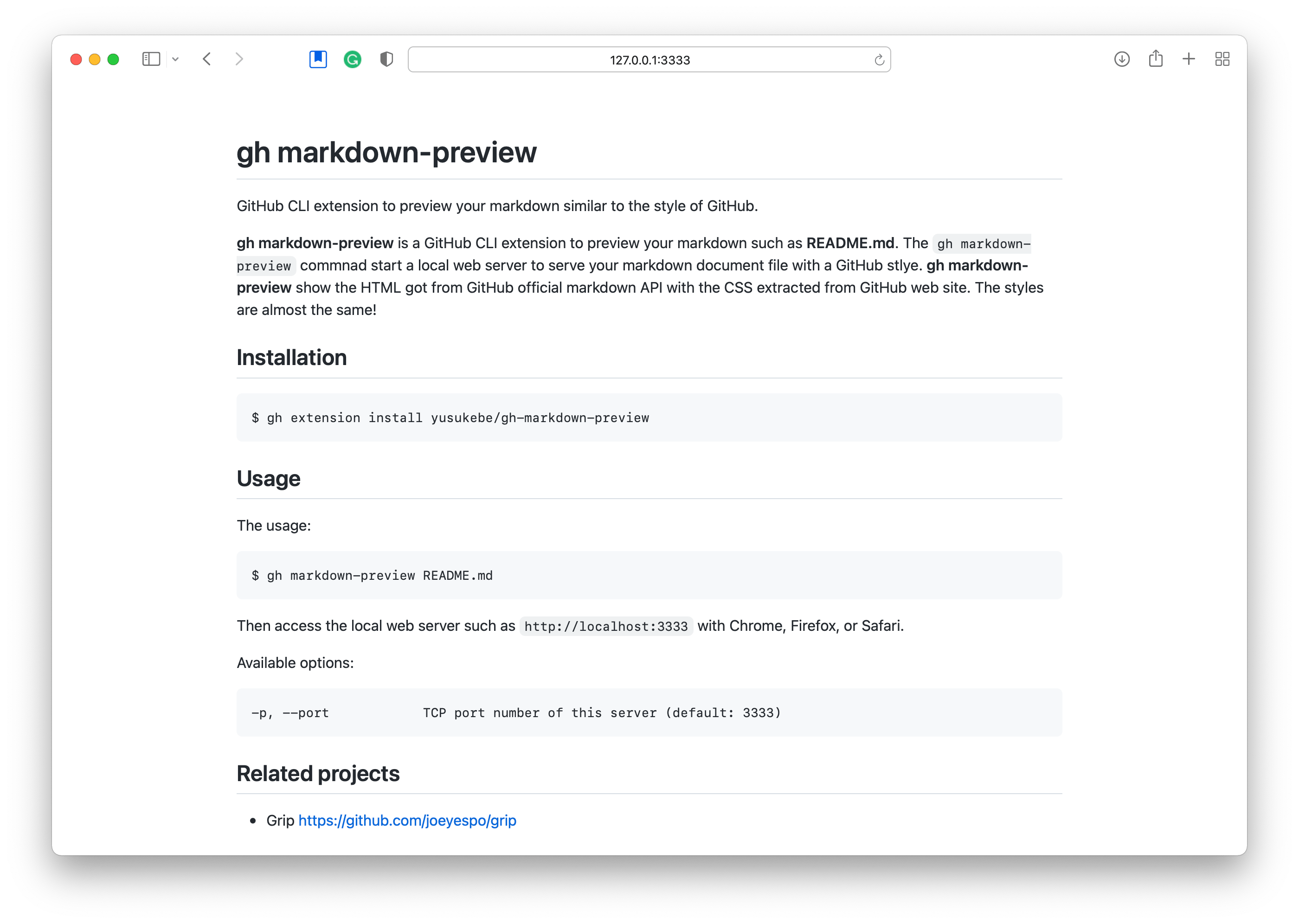
Live reloading:

Installation
$ gh extension install yusukebe/gh-markdown-preview
Upgrade:
$ gh extension upgrade markdown-preview
Usage
The usage:
$ gh markdown-preview README.md
Or this command will detect README file in the directory automatically.
$ gh markdown-preview
Then access the local web server such as http://localhost:3333 with Chrome, Firefox, or Safari.
Available options:
-p, --port     TCP port number of this server (default: 3333)
-r, --reload   Enable live reloading (default: false)

Related projects
- GitHub CLI https://cli.github.com
- Grip https://github.com/joeyespo/grip
- github-markdown-css https://github.com/sindresorhus/github-markdown-css
Author
Yusuke Wada http://github.com/yusukebe
License
Distributed under the MIT License.
 Documentation

Documentation


There is no documentation for this package.
 Source Files
 Directories