

 README

README

tree 

An implementation of the
treecommand written in Go, that can be used programmatically.
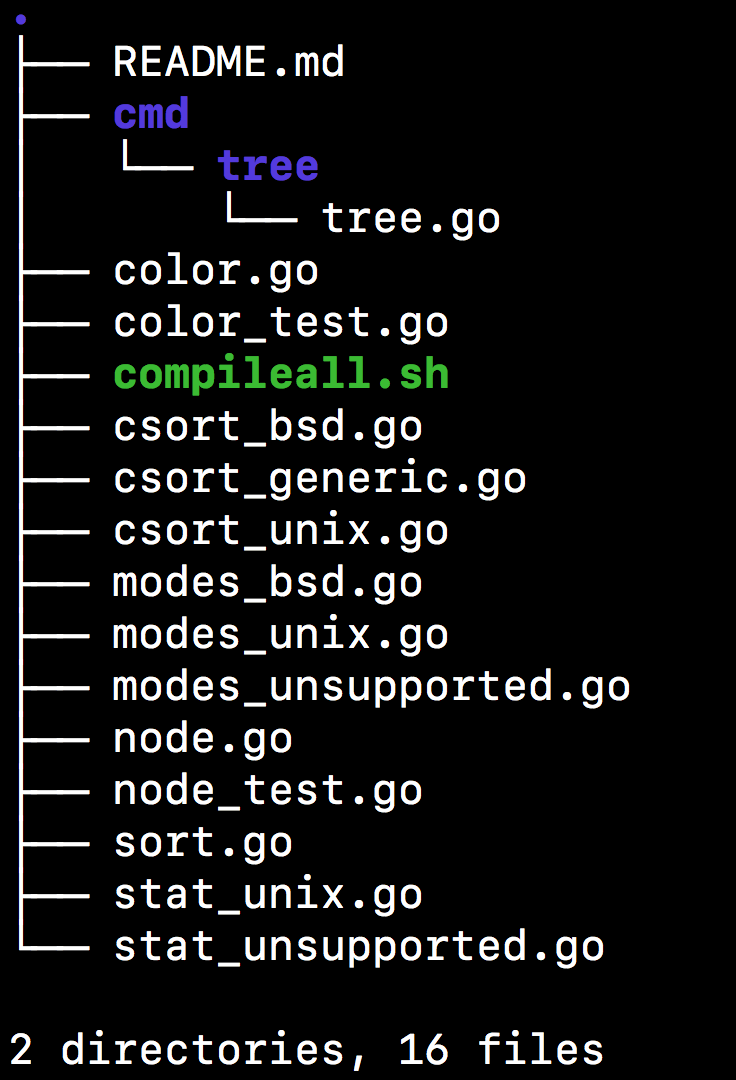
Installation:
$ go get github.com/a8m/tree/cmd/tree
How to use tree programmatically ?
You can take a look on cmd/tree, and s3tree or see the example below.
import (
    "github.com/a8m/tree"
)

func main() {
    opts := &tree.Options{
        // Fs, and OutFile are required fields.
        // fs should implement the tree file-system interface(see: tree.Fs),
        // and OutFile should be type io.Writer
        Fs: fs,
        OutFile: os.Stdout,
        // ...
    }
    inf.New("root-dir")
    // Visit all nodes recursively
    inf.Visit(opts)
    // Print nodes
    inf.Print(opts)
}
License
MIT
 Documentation

Documentation

Index 
- Constants
- func ANSIColor(node *Node, s string) string
- func ANSIColorFormat(style string, s string) string
- func CTimeSort(f1, f2 os.FileInfo) bool
- func DirSort(f1, f2 os.FileInfo) bool
- func ModSort(f1, f2 os.FileInfo) bool
- func NameSort(f1, f2 os.FileInfo) bool
- func NaturalLess(str1, str2 string) bool
- func SizeSort(f1, f2 os.FileInfo) bool
- func VerSort(f1, f2 os.FileInfo) bool
- type ByFunc
- type Fs
- type Node
- type Nodes
- type Options
- type SortFunc
Constants 
const (
	Reset int = 0
	// Not used, remove.
	Bold  int = 1
	Black int = iota + 28
	Red
	Green
	Yellow
	Blue
	Magenta
	Cyan
	White
)
const (
	KB int64 = 1 << (10 * iota)
	MB
	GB
	TB
	PB
	EB
)
const Escape = "\x1b"
Variables 
This section is empty.
Functions 
func NaturalLess 
NaturalLess compares two strings using natural ordering. This means that e.g. "abc2" < "abc12".
Non-digit sequences and numbers are compared separately. The former are compared bytewise, while the latter are compared numerically (except that the number of leading zeros is used as a tie-breaker, so e.g. "2" < "02")
Limitation: only ASCII digits (0-9) are considered. Code taken from: https://github.com/fvbommel/util/blob/master/sortorder/natsort.go
Types 
type Fs 
To use this package programmatically, you must implement this interface. For example: PTAL on 'cmd/tree/tree.go'
type Node 
Node represent some node in the tree contains FileInfo, and its childs
type Options 
type Options struct {
	Fs      Fs
	OutFile io.Writer
	// List
	All        bool
	DirsOnly   bool
	FullPath   bool
	IgnoreCase bool
	FollowLink bool
	DeepLevel  int
	Pattern    string
	IPattern   string
	MatchDirs  bool
	Prune      bool
	// File
	ByteSize bool
	UnitSize bool
	FileMode bool
	ShowUid  bool
	ShowGid  bool
	LastMod  bool
	Quotes   bool
	Inodes   bool
	Device   bool
	// Sort
	NoSort    bool
	VerSort   bool
	ModSort   bool
	DirSort   bool
	NameSort  bool
	SizeSort  bool
	CTimeSort bool
	ReverSort bool
	// Graphics
	NoIndent bool
	Colorize bool
	// Color defaults to ANSIColor()
	Color func(*Node, string) string
	Now   time.Time
}
Options store the configuration for specific tree. Note, that 'Fs', and 'OutFile' are required (OutFile can be os.Stdout).
 Source Files
 Directories