

 README

README

tasktimer





Task Timer (tt) is a dead simple TUI task timer
Usage
To get started, just run tt:
tt
You'll be presented with something like this:
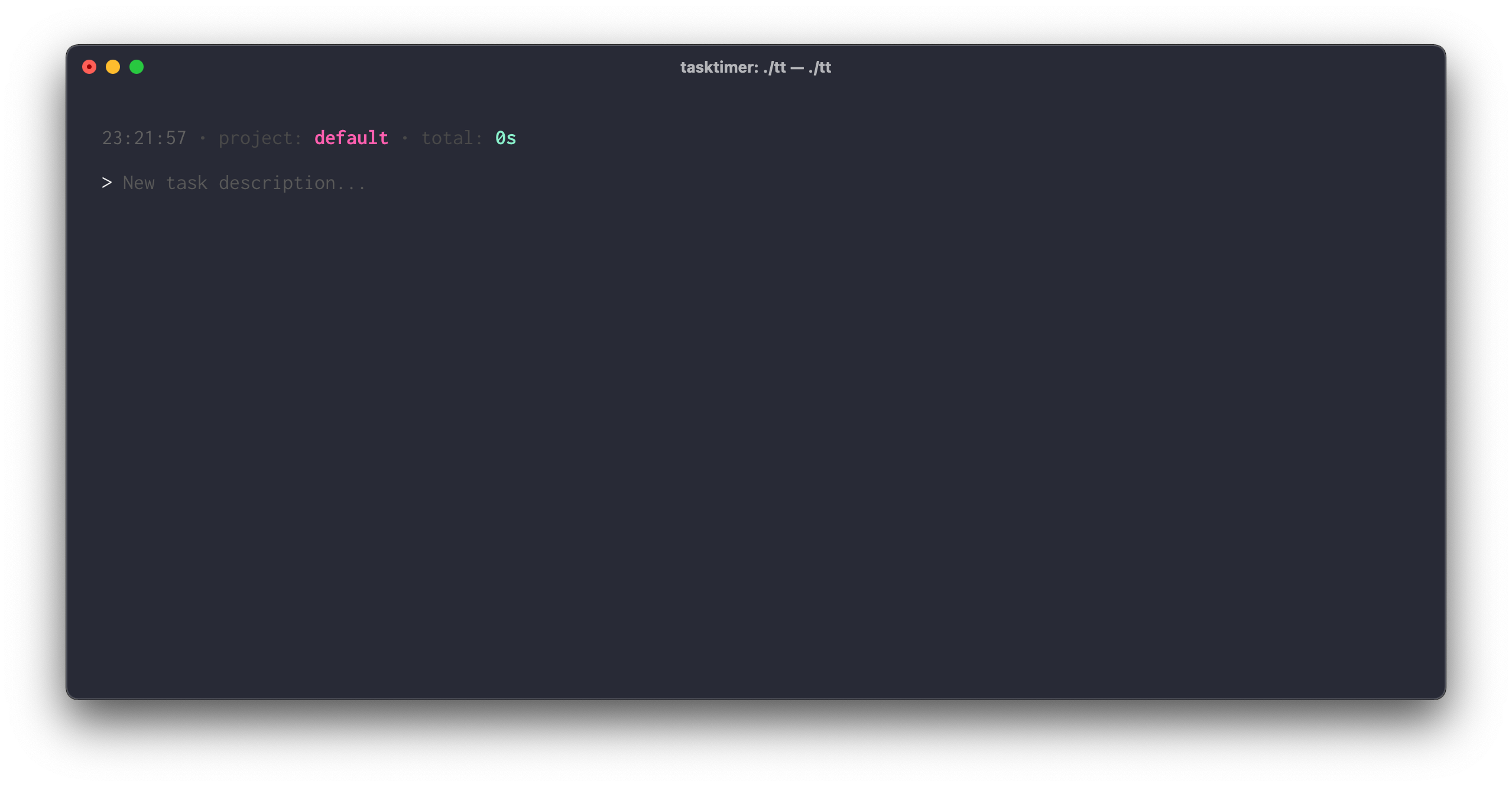
You can just type a small description of what you're working on and press ENTER to start timing.
At any time, press ESC or ENTER again to stop the current timer or type a new task description and press ENTER to stop the previous task and start the new one.
Each task will have its own timer, and the sum of all tasks will be displayed in the header (along with a clock and the project name):

At any time, press CTRL+c to stop the current timer (if any) and exit.
Report
You can extract a markdown file by running:
tt report
If ran with no additional flags, it will create a default.md in the
current working directory.
Help
At any time, check --help to see the available options.
FAQ
Where is my data stored?
Data is stored in ~/tasktimer/{projectname}.db.
Badger is used as database, which means you can open it with the badger CLI if you want to.
Are there any logs?
Yes, they are written to ~/tasktimer/{projectname}.log.
 Documentation

Documentation


There is no documentation for this package.
 Source Files
 Directories