

 README

README

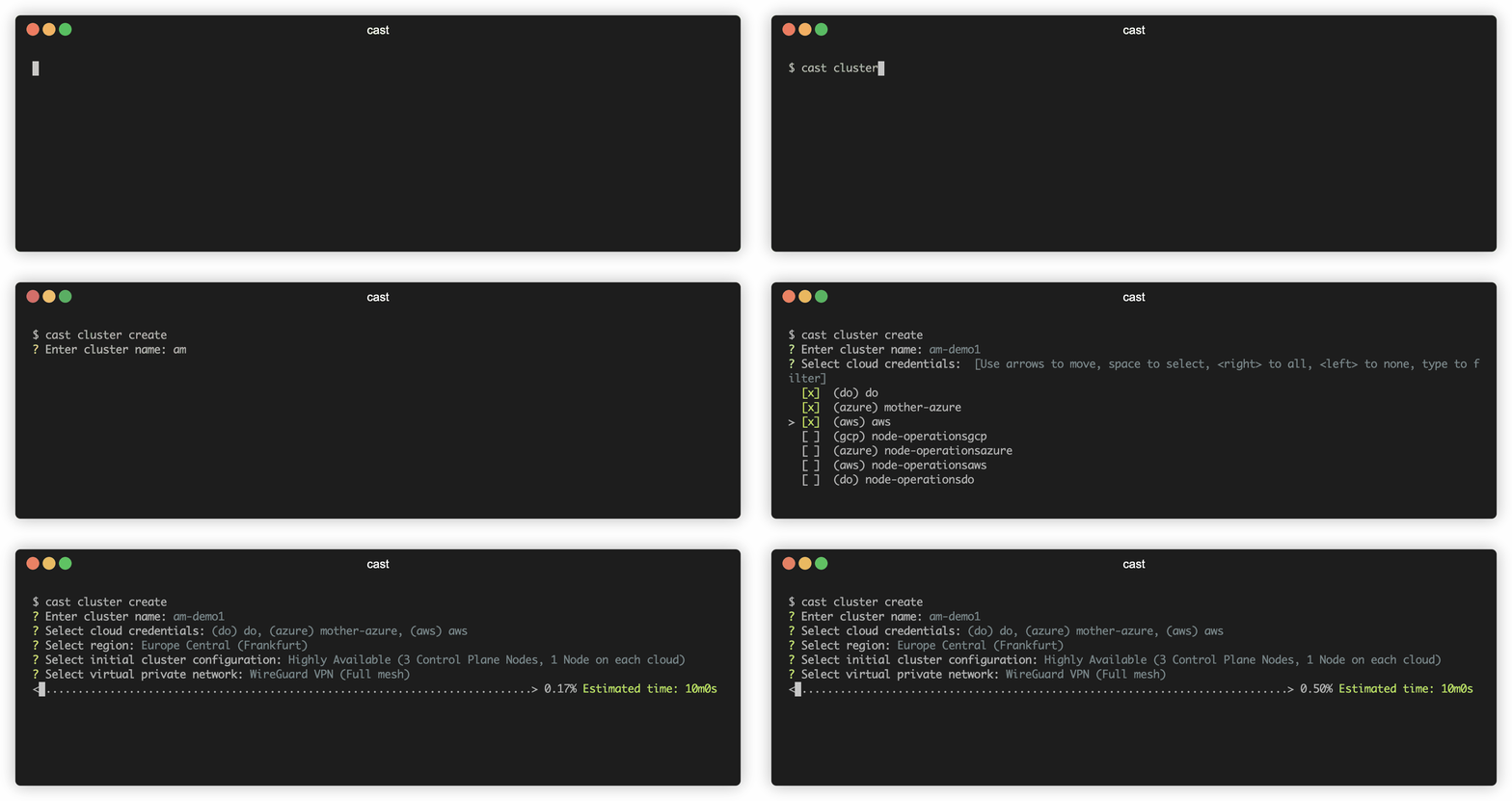
cast-cli (Experimental)
NOTE: CAST AI CLI is in it's early stage. Feel free to contribute, ask questions, give feedback.
Installation
macOS
cast is available via Homebrew, and as a downloadable binary from the releases page.
Homebrew
| Install: | Upgrade: |
|---|---|
brew install castai/tap/cli |
brew upgrade castai/tap/cli |
Linux
cast is available via Homebrew, and as downloadable binaries from the releases page.
Homebrew
| Install: | Upgrade: |
|---|---|
brew install castai/tap/cli |
brew upgrade castai/tap/cli |
Windows
cast is available as a downloadable binary from the releases page.
Getting started
After installing CLI you need to configure API access token to access CAST AI public API.
Quick configuration
cast configure
After done configuration file is saved to file system.
Configure via environment variables
It is possible to override all configuration with environment variables.
| Variable | Description |
|---|---|
| CASTAI_API_TOKEN | API access token |
| CASTAI_API_HOSTNAME | API hostname |
| CASTAI_DEFAULT_REGION | Default region for cluster creation |
| CASTAI_DEBUG | Enable debug mode |
| CASTAI_CONFIG | Custom path to CLI configuration file |
Usage
Run cast without any arguments to get help. Use --help on sub commands to get more help, eg. cast cluster --help
CAST AI Command Line Interface

Usage:
  cast [command]

Available Commands:
  cluster     Manage clusters
  completion  Generate completion script
  configure   Setup initial configuration
  credentials Manage credentials
  help        Help about any command
  region      Manage regions
  version     Print version

Flags:
  -h, --help   help for cast

Use "cast [command] --help" for more information about a command.
Create and access cluster
Create cluster
cast cluster create --name=my-cluster --credentials=aws --progress
Setup kubeconfig
cast cluster get-kubeconfig my-cluster
Verify Kubernetes nodes
kubectl get nodes
 Documentation

Documentation

Overview 
Copyright © 2020 CAST AI
Licensed under the Apache License, Version 2.0 (the "License"); you may not use this file except in compliance with the License. You may obtain a copy of the License at
http://www.apache.org/licenses/LICENSE-2.0
Unless required by applicable law or agreed to in writing, software distributed under the License is distributed on an "AS IS" BASIS, WITHOUT WARRANTIES OR CONDITIONS OF ANY KIND, either express or implied. See the License for the specific language governing permissions and limitations under the License.
 Source Files
 Directories