 Affected by
  The highest tagged major version is

 README

README

gh - The GitHub CLI tool
gh is GitHub on the command line. It brings pull requests, issues, and other GitHub concepts to
the terminal next to where you are already working with git and your code.
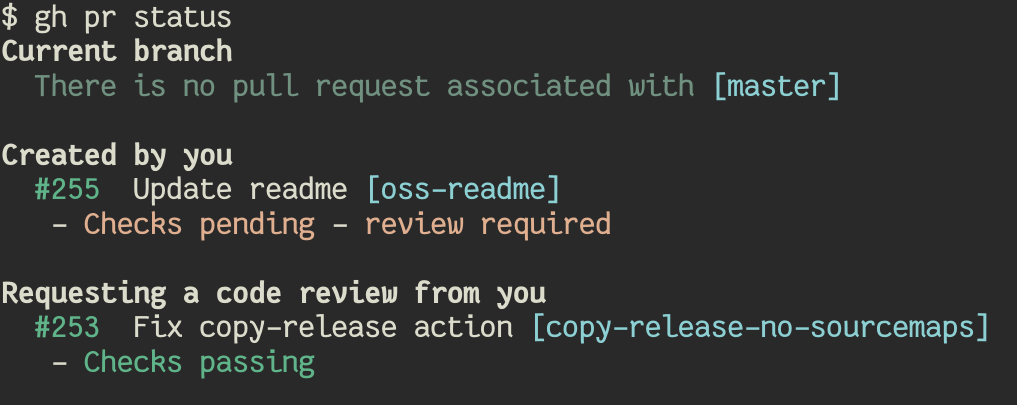
Usage
gh pr [status, list, view, checkout, create]gh issue [status, list, view, create]gh help
Check out the docs for more information.
Comparison with hub
For many years, hub was the unofficial GitHub CLI tool. gh is a new project for us to explore
what an official GitHub CLI tool can look like with a fundamentally different design. While both
tools bring GitHub to the terminal, hub behaves as a proxy to git and gh is a standalone
tool.
Installation
macOS
brew install github/gh/gh
Windows
MSI installers are available on the releases page.
Debian/Ubuntu Linux
- Download the
.debfile from the releases page sudo apt install git && sudo dpkg -i gh_*_linux_amd64.debinstall the downloaded file
Fedora/Centos Linux
- Download the
.rpmfile from the releases page sudo yum localinstall gh_*_linux_amd64.rpminstall the downloaded file
Other platforms
There are prebuilt binaries available on the releases page.
 Directories
Click to show internal directories.
Click to hide internal directories.