

 README

README

prs
✨ Overview
prs lets you stay updated on the PRs you care about without leaving the
terminal.
prs is not a replacement of gh, or the Github
web UI itself, it simply allows you to get to the updates you care about in
fewer key presses.

🤔 Motivation
For my day job as a tech lead, I need to stay updated on several PRs, and my
hope is that prs will let me do that faster than the Github web UI (or other
tools for that matter).
💾 Installation
homebrew:
brew install dhth/tap/prs
go:
go install github.com/dhth/prs@latest
🛠️ Pre-requisites
🛠️ Configuration
Create a configuration file that looks like the following. By default prs will
look for this file at ~/.config/prs/prs.yml.
diff-pager: delta
pr-count: 20
sources:
- owner: owner
  repos:
    - name: repo-a
    - name: repo-b
    - name: repo-c
⚡️ Usage
prs
prs -config-file /path/to/config.yml
Screenshots
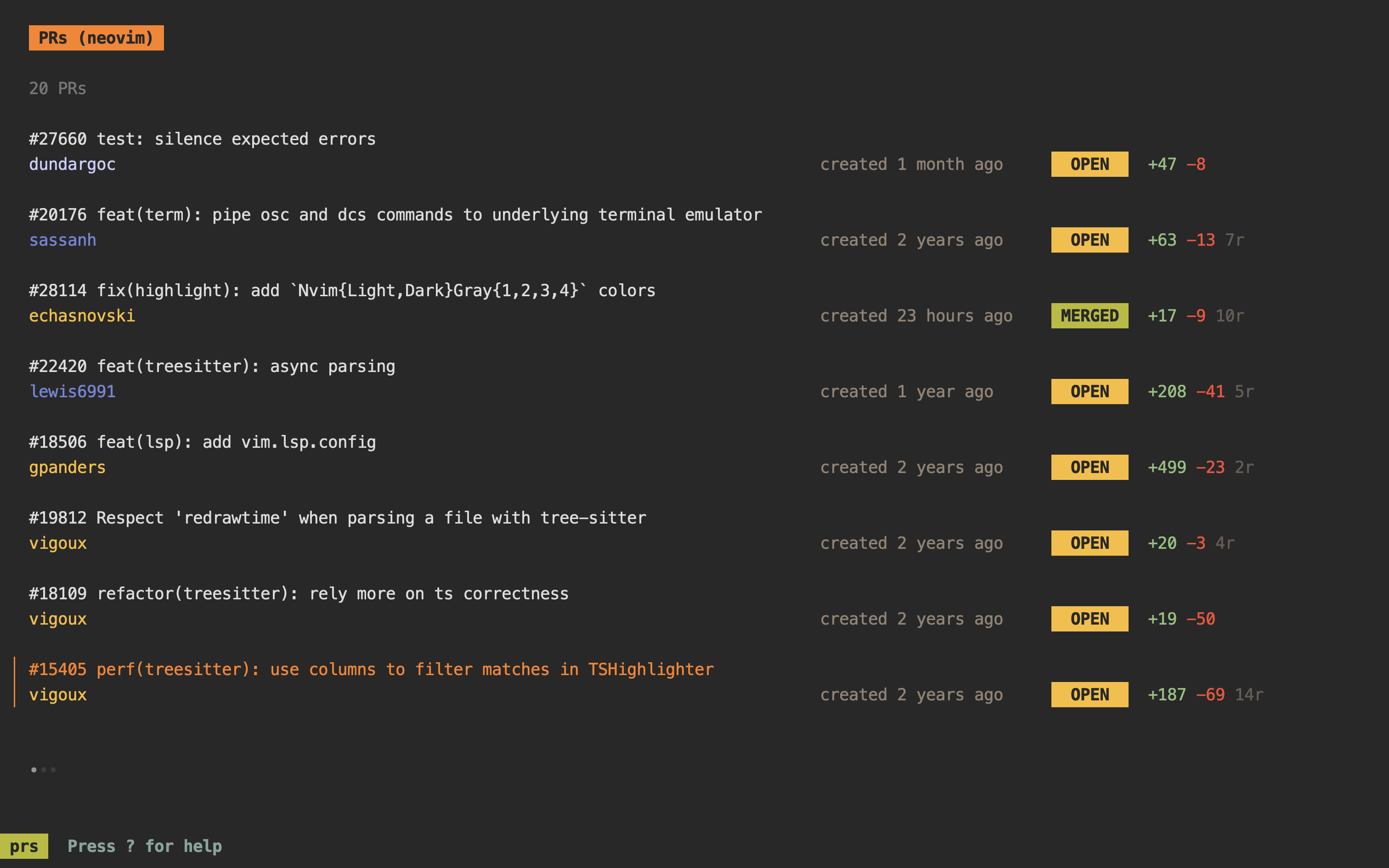
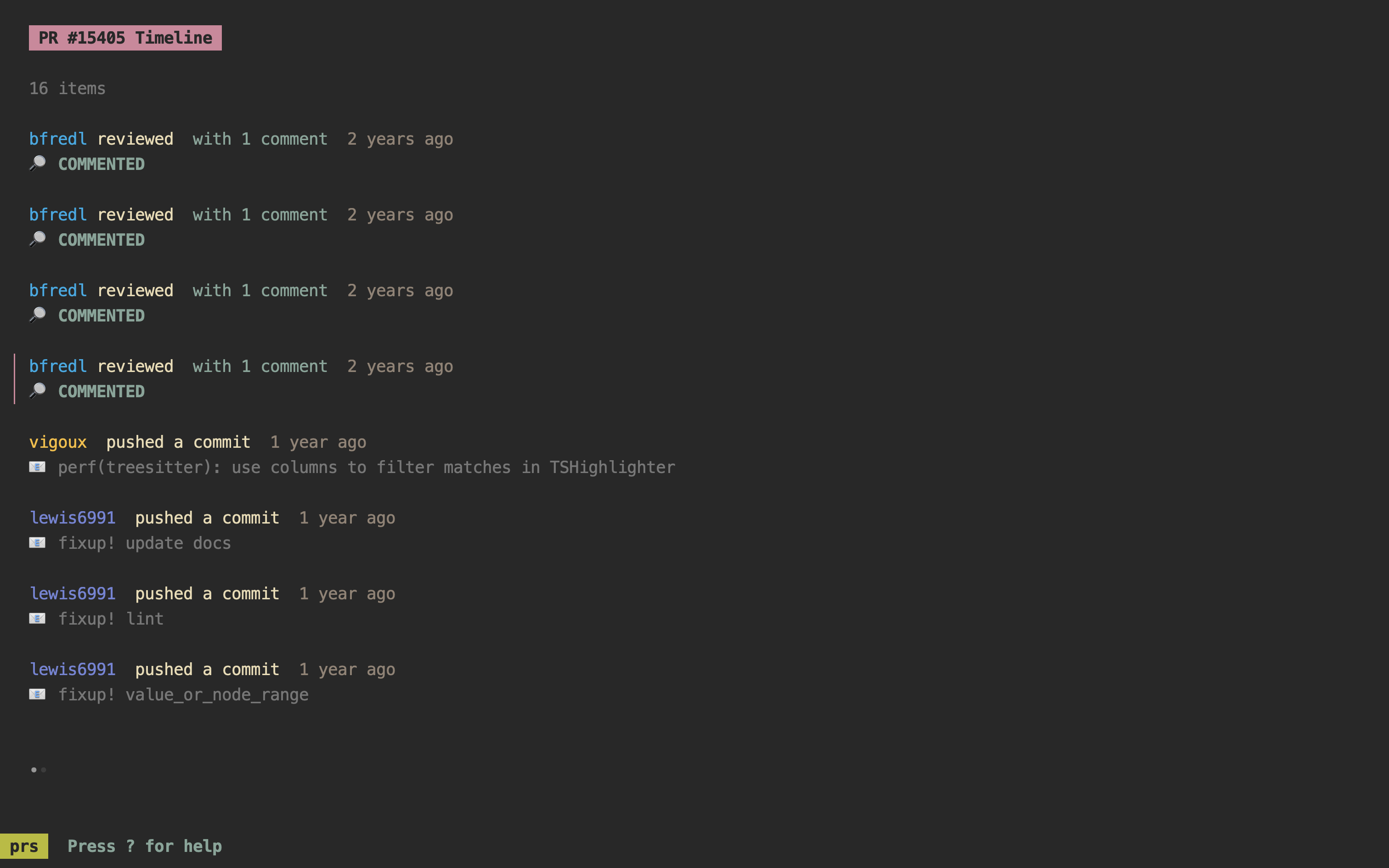
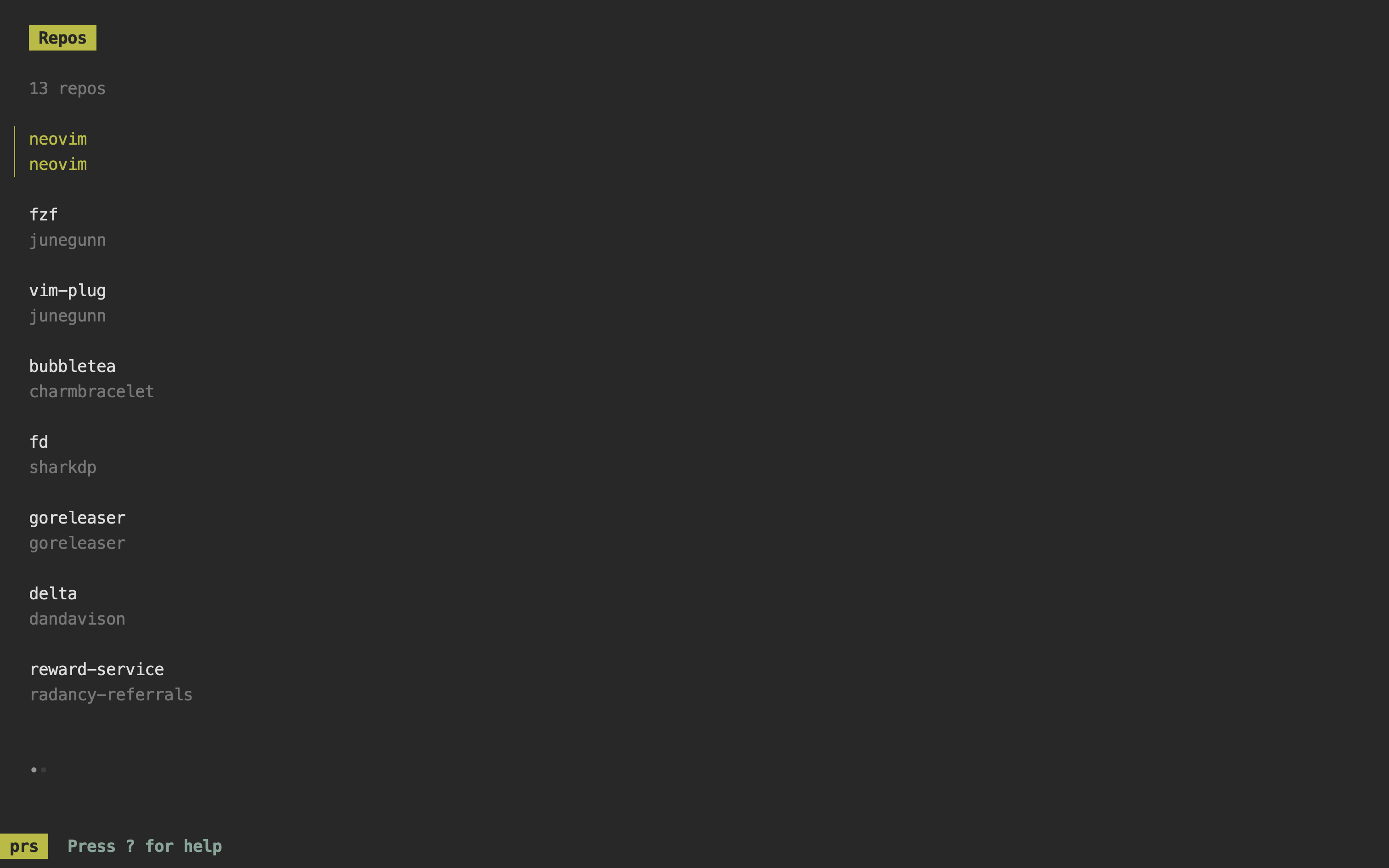
Reference Manual
prs Reference Manual

prs has 5 views:
- PR List View
- PR Timeline List View
- PR Review Comments View
- Repo List View
- Help View (this one)

Keyboard Shortcuts:

General
  <tab>       Switch focus between PR List and PR Timeline Pane
  1           Switch focus to PR List View
  2           Switch focus to PR Timeline List View
  3           Switch focus to PR Review Comments View
  <ctrl+s>    Switch focus to Repo List View
  ?           Switch focus to Help View

PR List/Timeline List View
  <ctrl+v>    Show PR details
  <ctrl+d>    Show PR diff

PR List View
  <ctrl+b>    Open PR in the browser
  <ctrl+r>    Reload PR list
  <enter>     Switch focus to PR Timeline View for currently selected PR

PR Timeline View
  <ctrl+b>    Open timeline item in browser
  <ctrl+r>    Reload timeline list
  <enter>     Switch focus to Review Comments View for currently selected item
Acknowledgements
prs is built using bubbletea.
 Documentation

Documentation


There is no documentation for this package.
 Source Files
 Directories
Click to show internal directories.
Click to hide internal directories.