

 README

README


godocs
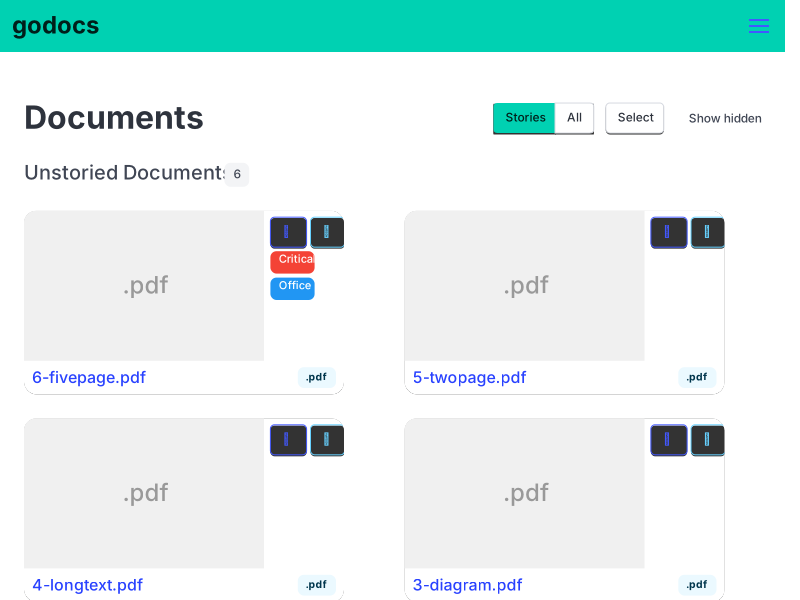 Demo snapshot — try the live demo
A lightweight Electronic Document Management System (EDMS) for home users, built entirely in Go.
Originally created by deranjer/godocs — hard fork with significant modernization.
What is godocs?
A self-hosted document management system for scanning, organizing, and searching receipts, documents, and other files. Focused on simplicity, speed, and reliability over enterprise complexity.
Quick Install
go install github.com/drummonds/godocs@latest
godocs
Starts with pglike (SQLite via go-postgres) — no external database needed.
Key Design Principles
- Easy Setup — works out-of-the-box, no dependencies for basic use
- Pure Go — single binary with embedded static assets
- Full-Text Search — PostgreSQL tsvector or SQLite fallback
- Step-Based Ingestion — hash, deduplicate, OCR, index
- Multiple Formats — PDF, images (TIFF, JPG, PNG), text files
Major Improvements in This Fork
- Go 1.22+ with structured logging (slog)
- SSR frontend using lofigui + pongo2 templates + Bulma CSS
- Pure Go PDF rendering (no CGo required)
- PostgreSQL full-text search with word cloud visualization
- Step-based ingestion with job tracking
- Canonical file naming with sidecar files (.ocr.txt, .thumb.png, .tags.json)
Documentation
Full documentation: drummonds.github.io/godocs
- Getting Started — configuration, environment variables
- Development — building, testing, deployment
- API Reference — OpenAPI / Swagger
- Internal Docs — file naming, tagging, lifecycle
License
See LICENSE file.
 Documentation

 Source Files

Source Files

 Directories

Directories

| Path | Synopsis |
|---|---|
|
cmd
|
|
|
annotate-card
command
|
|
|
backend
command
|
|
|
demo
command
|
|
|
md2html
command
cmd/md2html converts markdown files to Bulma-styled HTML pages.
|
cmd/md2html converts markdown files to Bulma-styled HTML pages. |
|
testgen
command
|
|
|
Package docs Code generated by swaggo/swag.
|
Package docs Code generated by swaggo/swag. |
|
internal
|
|
Click to show internal directories.
Click to hide internal directories.