

 README

README


EasySkillTracker
Super easy flat file based selfhosted skill tracker (learn new skills from multiple resources).
Features
- Have all related skills in one file
- Share files (courses) with others
- Easy to use interface
- Mobile/Tablet ready (large buttons, ...)
- Selfhosted
- Free and open
Screenshots
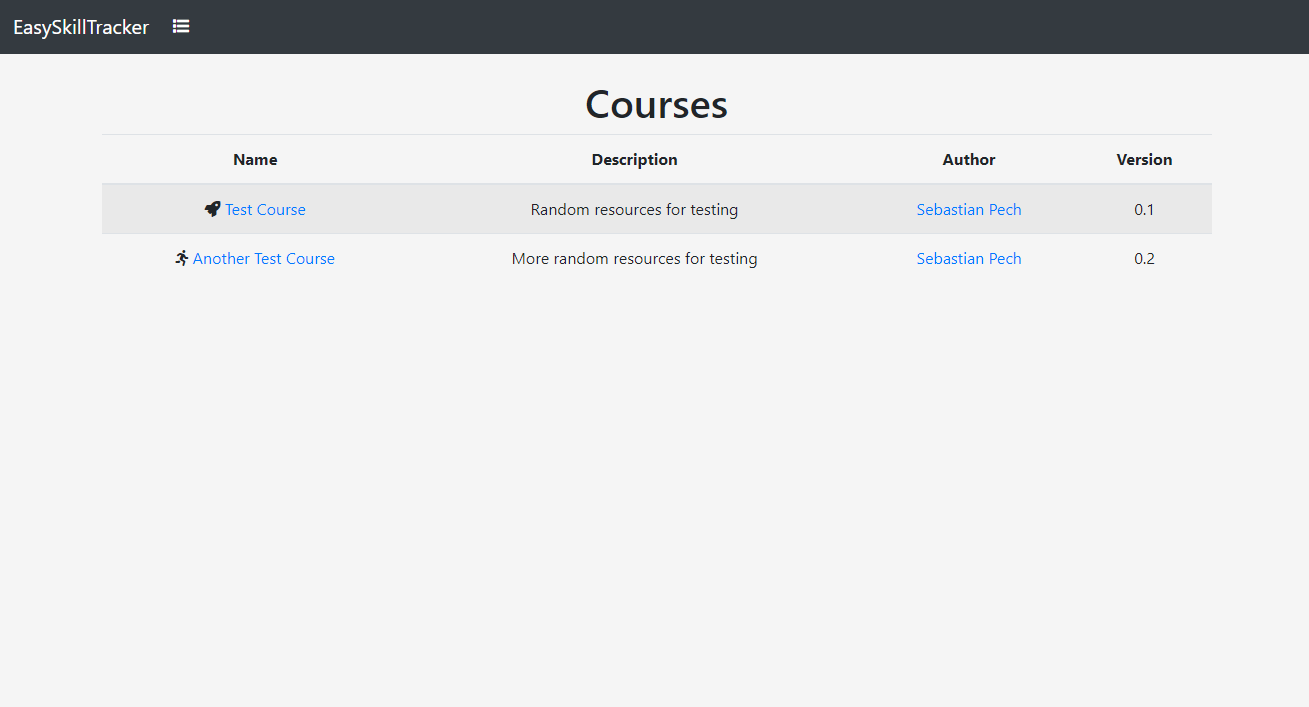
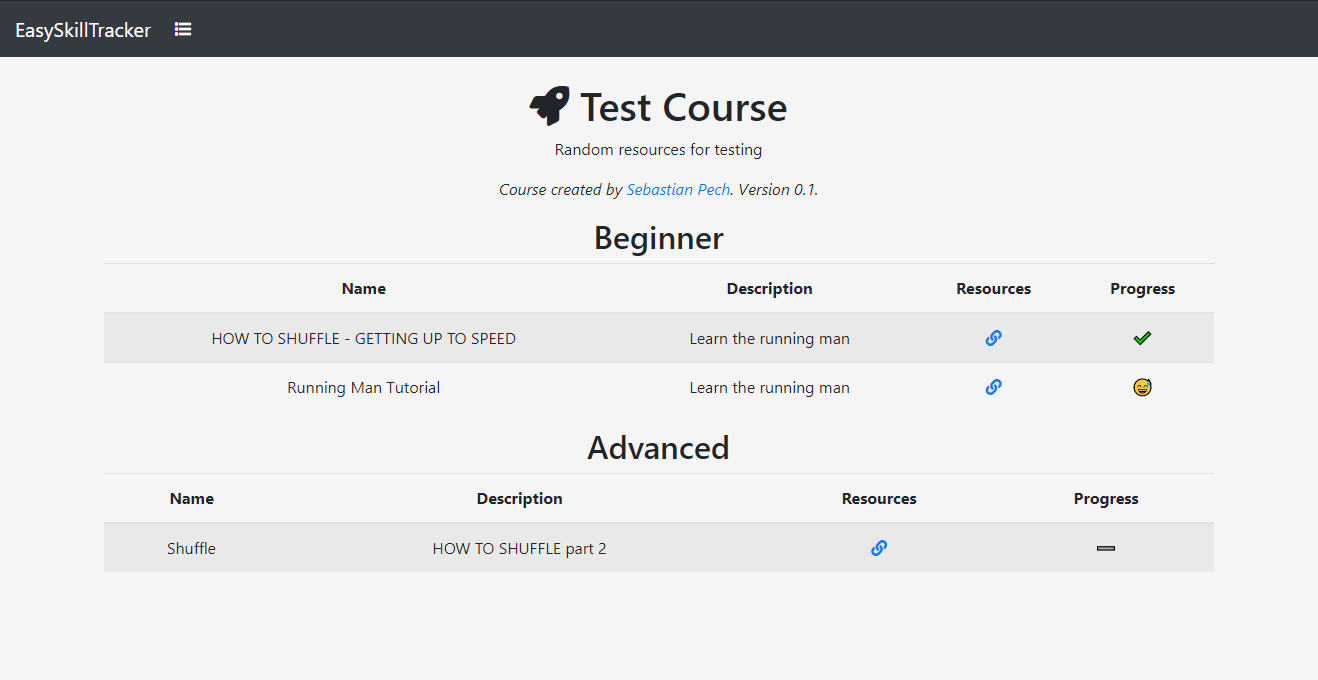
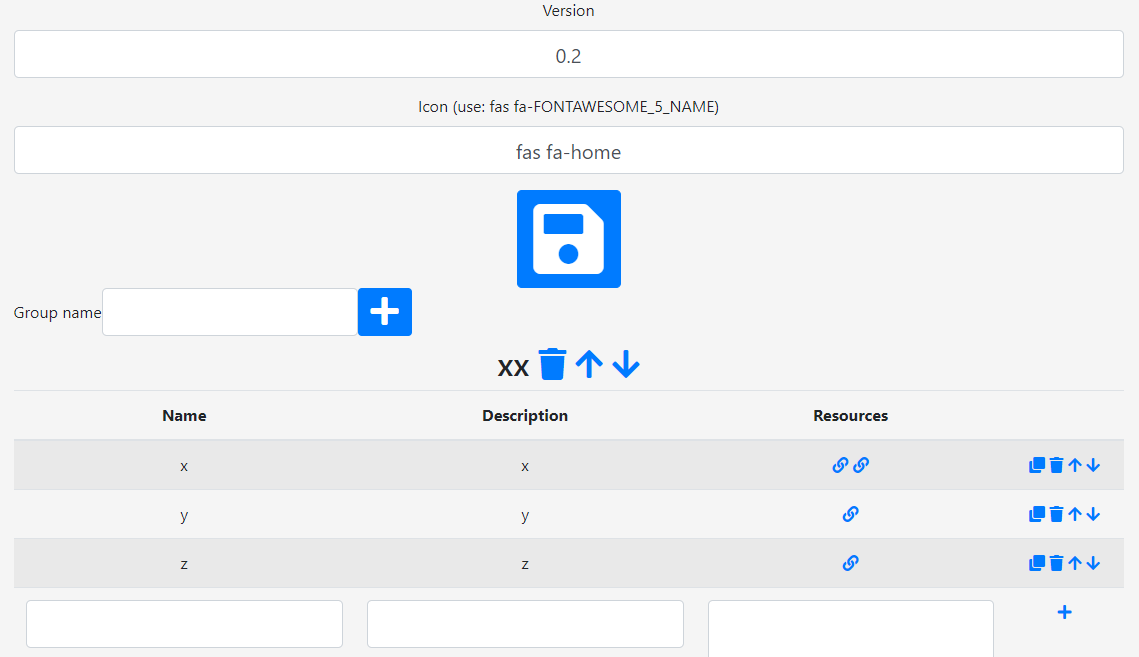
Security information
This daemon is developed for use in a private network. For securing the access use a proxy like nginx (see below)!
Build and run from source
Make sure you have the Go Programming Language tools set up an ready.
Linux
Checkout the code to your GOPATH directory, build the server and run it.
go get github.com/spech66/easyskilltracker
cd $GOPATH/src/github.com/spech66/easyskilltracker
go build
./easyskilltracker -data data/example
Windows
Checkout the code to your GOPATH directory.
go get github.com/spech66/easyskilltracker
cd %GOPATH%\src\github.com\spech66\easyskilltracker
go build
easyskilltracker.exe -data data\example
nginx reverse proxy with basic auth
This daemon is intend for use in a local network. Make sure that the server port (default 8045) is not exposed to the internet. In case you want to host this deamon in the internet set up nginx as a revery proxy for it using basic authentication.
sudo sh -c "echo -n 'admin:' >> /etc/nginx/.htpasswd"
sudo sh -c "openssl passwd -apr1 >> /etc/nginx/.htpasswd"
sudo vi /etc/nginx/sites-enabled/default
server {
        listen 8645;
        server_name _;
        auth_basic "EasySkillTracker";
        auth_basic_user_file /etc/nginx/.htpasswd;

        location / {
                proxy_pass http://localhost:8045;
        }
}
Dependencies
- Go echo web framework - High performance, minimalist Go web framework
Development
- Update Modules:
go mod tidy - Run:
go run . -data data\example
 Documentation

Documentation


There is no documentation for this package.
 Source Files
 Directories
Click to show internal directories.
Click to hide internal directories.