

 README

README

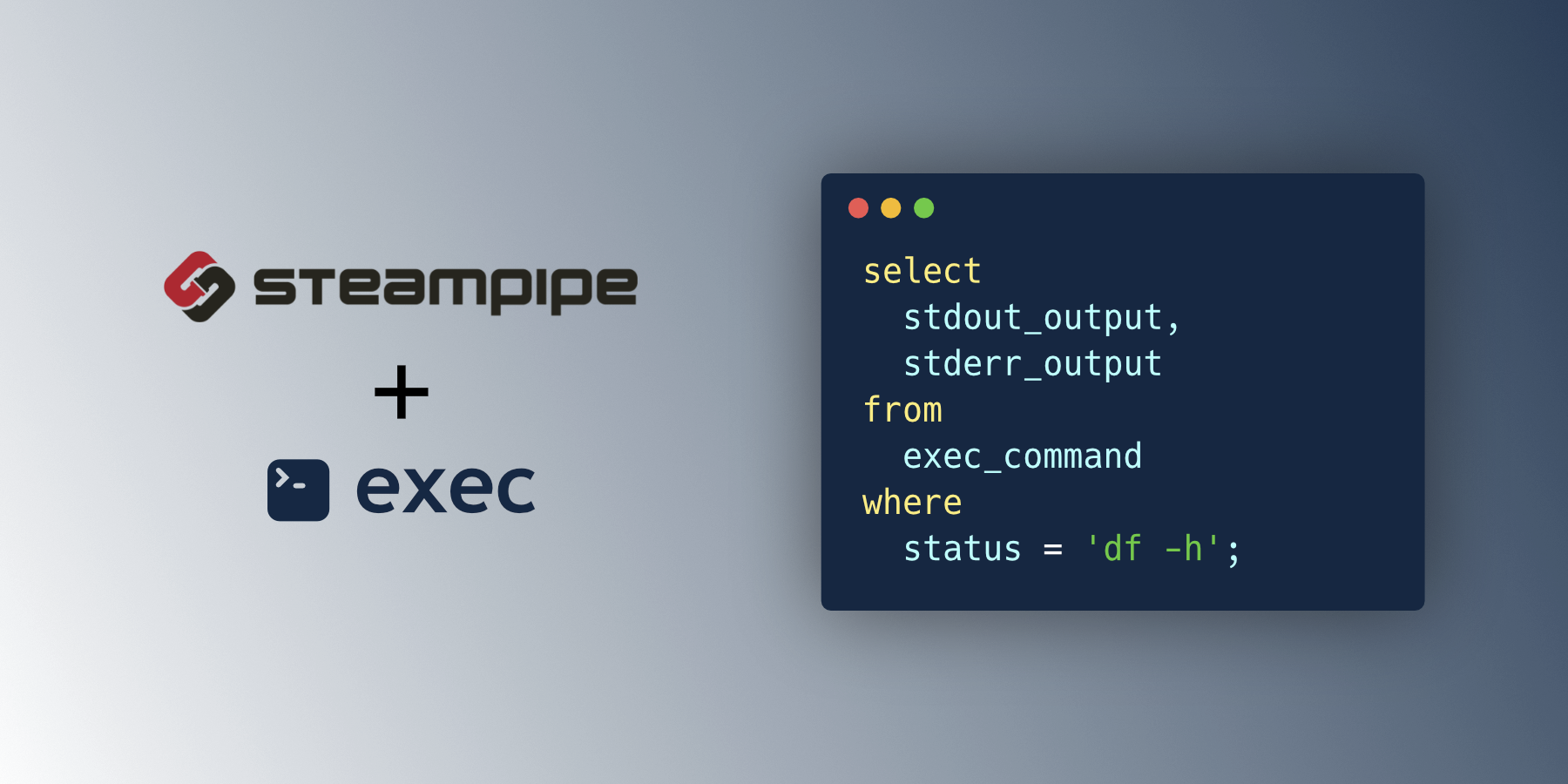
Exec Plugin for Steampipe
Use SQL to run commands locally or on remote Linux and Windows hosts. Then get the result as a table.
- Get started →
- Documentation: Table definitions & examples
- Community: Join #steampipe on Slack →
- Get involved: Issues
Quick start
Install
Download and install the latest Steampipe plugin:
steampipe plugin install exec
Configure your credentials and config file.
Configure your credential details in ~/.steampipe/config/exec.spc:
connection "exec" {
  plugin = "exec"

  host = "my-remote-linux-host"
  user = "my-username"
  private_key = "~/.ssh/my-remote-linux-host.pem"
}
Run steampipe:
steampipe query
List disks on a Linux host
select
  output
from
  exec_command
where
  command = 'df -h';
+------------------------------------------------------+
| output                                               |
+------------------------------------------------------+
| Filesystem      Size  Used Avail Use% Mounted on     |
| /dev/root       7.6G  3.4G  4.3G  44% /              |
| tmpfs           483M     0  483M   0% /dev/shm       |
| tmpfs           194M  872K  193M   1% /run           |
| tmpfs           5.0M     0  5.0M   0% /run/lock      |
| /dev/xvda15     105M  5.3M  100M   5% /boot/efi      |
| tmpfs            97M  4.0K   97M   1% /run/user/1001 |
+------------------------------------------------------+
Developing
Prerequisites:
Clone:
git clone https://github.com/turbot/steampipe-plugin-exec.git
cd steampipe-plugin-exec
Build, which automatically installs the new version to your ~/.steampipe/plugins directory:
make
Configure the plugin:
cp config/* ~/.steampipe/config
vi ~/.steampipe/config/exec.spc
Try it!
steampipe query
> .inspect exec
Further reading:
Contributing
Please see the contribution guidelines and our code of conduct. All contributions are subject to the Apache 2.0 open source license.
help wanted issues:
 Documentation

Documentation


There is no documentation for this package.
 Source Files
 Directories
Click to show internal directories.
Click to hide internal directories.